Estimated reading time: 5 minutes
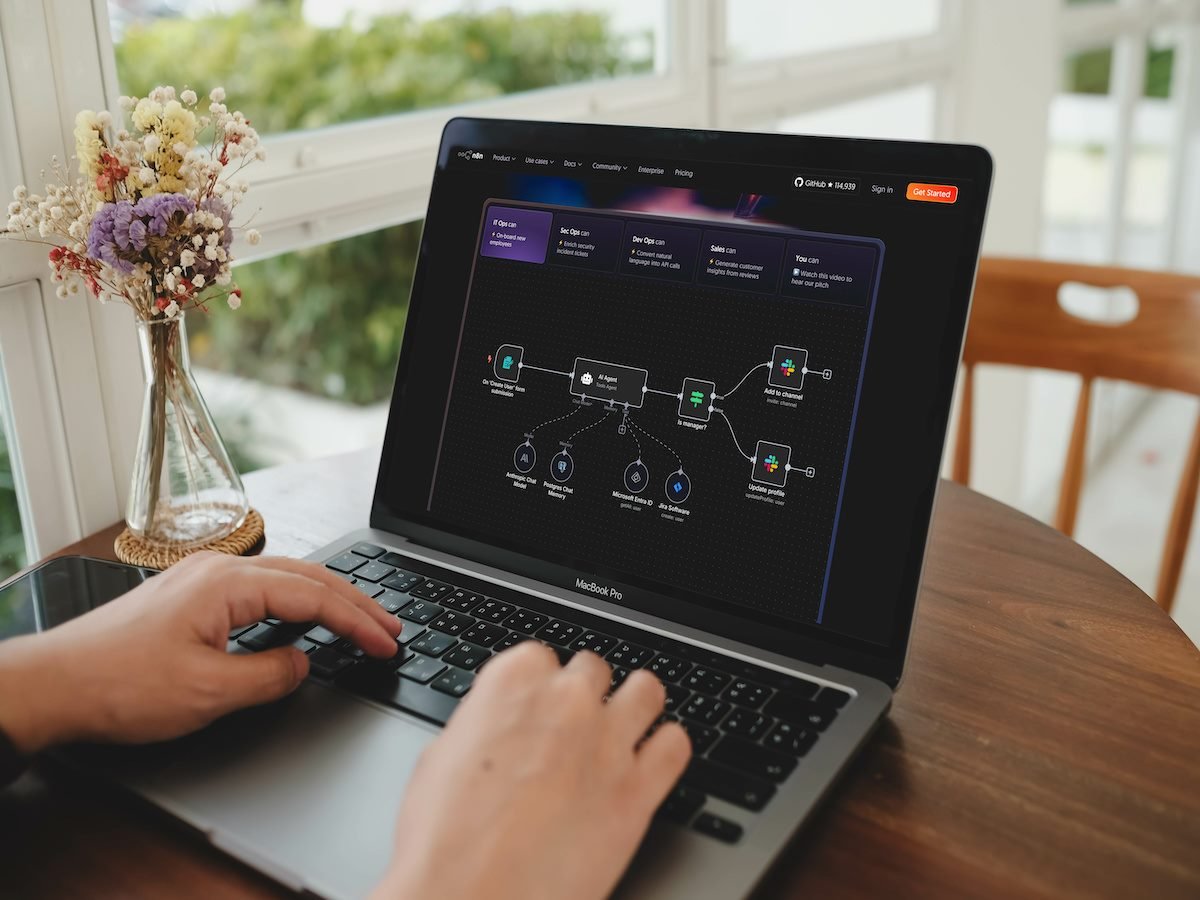
n8n AI is the set of artificial intelligence features in n8n, the tool that connects your apps so repetitive work gets done on its own. You use it to build assistants that answer your customers, sort the information coming in and only alert you to what’s urgent, without you having to keep an eye on everything and without writing code.
Key takeaways
- n8n AI combines n8n’s automation with AI models such as ChatGPT, Claude or Gemini, in a visual editor.
- Its main building block is the AI agent: it understands what’s happening, decides what to do and does it in your tools.
- It can answer enquiries by email, on your website or on WhatsApp, save contacts to your client list and remind you of what’s pending.
- Self-hosted on your own server, n8n is free; what you pay for is the AI model, unless you run a local one.
- You can start with a single task and add more once you see it working.
Table of contents
What is n8n AI?
n8n is an automation tool: it connects your email, website, client spreadsheet or calendar so data moves from one place to another without copying it by hand. n8n AI is the part that adds artificial intelligence to those connections.
The difference matters. A normal automation always follows the same steps. With AI, the workflow also understands text: it reads an email and knows whether it’s a complaint, an order or a question, summarises a document or drafts a reply. It works with models from OpenAI, Anthropic and Google, and also with models you install on your own machine (source: n8n).
What is n8n AI used for in a business?
- Answering enquiries straight away: the usual questions (opening hours, prices, lead times) get answered automatically by email, website chat or WhatsApp.
- Never losing a lead: everyone who gets in touch is saved to your client list along with what they asked for.
- Sorting what comes in: the AI reads messages and labels them: urgent, quote, invoice, spam.
- Only alerting you to what matters: you get a heads-up when something needs you, not a hundred notifications.
- Searching your documents: an assistant that answers using your catalogues, price lists or manuals.
For more examples of what you can automate, here’s what automation is and how to get started in your business.
What is an AI agent in n8n?
An AI agent is an assistant that doesn’t just reply: it gets a task, decides which steps are needed and carries them out with the tools you’ve given it. In n8n you build it from parts:
- The model: the “brain” that understands and writes (ChatGPT, Claude, Gemini or a local one).
- The tools: what the agent can use, such as your email, calendar or client spreadsheet.
- Memory: what it remembers from the conversation so it doesn’t ask the same thing twice.
- Your documents: your business information it can search before answering.
Example: a customer messages you on WhatsApp asking for an appointment. The agent checks your calendar, offers two slots, books the appointment and leaves you a note. You didn’t lift a finger.
Is n8n AI free?
It depends on how you use it. If you install n8n on your own server, the tool is free. If you’d rather have it ready to go, n8n Cloud has monthly paid plans (n8n pricing).
The AI model is separate: OpenAI, Anthropic and Google charge per use, usually a few cents per simple task. The free alternative is local models, which have no usage fees but need a powerful computer and usually give weaker answers.
Can you use it without coding?
Yes. Workflows are built in a visual editor by joining blocks, and there are ready-made templates for common cases. The cloud version also has an AI builder: you describe in your own words what you want and it prepares a first draft of the workflow, with a monthly number of uses depending on your plan.
What you do need is time to test and a clear idea of what to automate. That’s where most people get stuck: not with the tool, but with deciding where to start.
Is it worth it for your business?
It’s worth it if you repeat the same tasks every week, have messages that go unanswered or your client information is spread across your phone, inbox and a notebook. You don’t need to automate everything: one task done well already saves you hours and stops you losing customers because you didn’t reply in time.
Frequently asked questions
Is n8n AI the same as ChatGPT?
No. ChatGPT is a model you chat with. n8n AI uses models like ChatGPT inside your processes so they do real work: reading, sorting, replying and saving data.
Can n8n AI connect to WhatsApp?
Yes. n8n connects to WhatsApp Business, so an agent can reply to messages, ask for details or book appointments on that channel.
How is it different from Zapier or Make?
All three connect apps. n8n can be installed on your own server, keeping your data in-house, and has built-in AI agents for workflows that make decisions.
Is my data safe?
If you self-host n8n, your data stays with you. Anything you send to an external model goes through that provider; for sensitive data you can use a local model.
Want to know which tasks in your business could run on their own? Book your free first consultation here and tell us how you work today.
This week, write down the task you repeat most and how much time it takes. It’s the best starting point for your first automation.